Suppliers – Your Supplier Directory
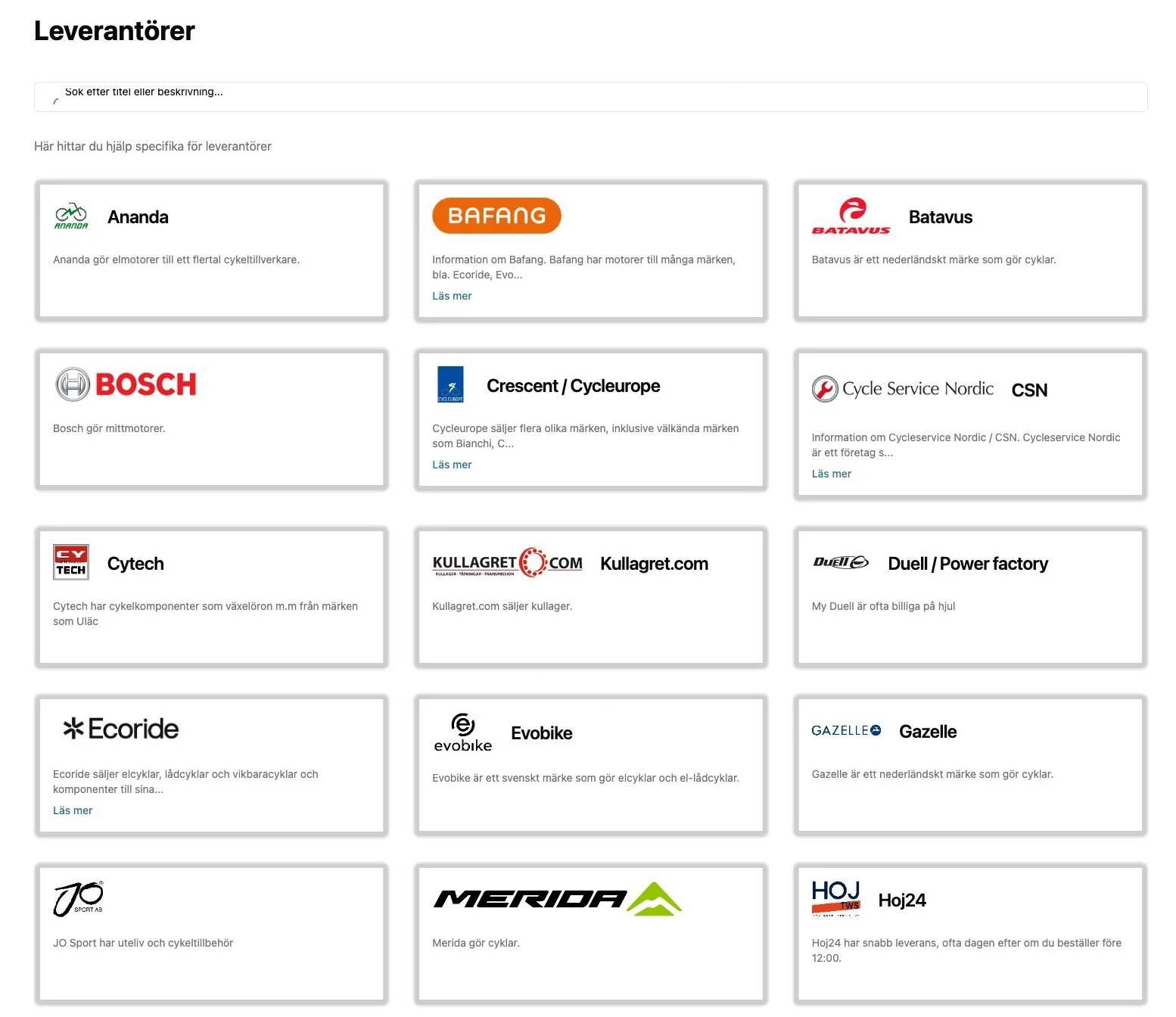
The Suppliers (Leverantörer) page is a tidy directory of every supplier your shop works with. Each supplier has a card that can hold webshop links, order pages, error-code references, training portals, customer numbers and contact details — so you stop digging through bookmarks and emails.
What it does
Each supplier card can include:
- Contacts — phone numbers and email addresses (for orders, support and special orders).
- Pages — links to the supplier's webshop, B2B portal, error-code pages, guides, training, and service manuals.
- Customer information — your shop's customer number at that supplier, ready to copy.
- Warnings — important notices (for example, a brand winding down in your region).
Suppliers include well-known bike and e-bike names such as Bosch, Shimano, Bafang, Ananda, Yamaha, Cycleurope/Crescent, Cycle Service Nordic (CSN), Merida, Ecoride, Unicykel and many more.
Why it matters
When a customer is standing at the counter, you don't want to search your inbox for a supplier's login or customer number. A single directory means faster ordering, correct customer references on every order, and quick access to error codes when diagnosing an e-bike.
How to use it
- Select Leverantörer (Suppliers) in the top menu (also reachable as a shortcut on the Counter and Workshop pages).
- Browse the supplier cards, or use the search box at the top to find one by name or description.
- Select a supplier card to open its details.
- From there, select a link to open the supplier's webshop or resource, or copy a customer number to use on your order.
Choose which suppliers you see
Your shop can hide suppliers you don't use so the list stays relevant:
- Open Settings → Supplier settings (Leverantörer inställningar).
- Turn suppliers on or off for your shop.
Related
- Warranty and Returns — for the suppliers that have a claims process.
- Product Search — search these suppliers' products directly.