Everything in BikeOffice
Here you find every card available in BikeOffice. You can easily filter the cards when you are looking for something specific by typing in the search box. Select the pin icon to pin something you use often and save it as a favourite, so it always appears at the top.
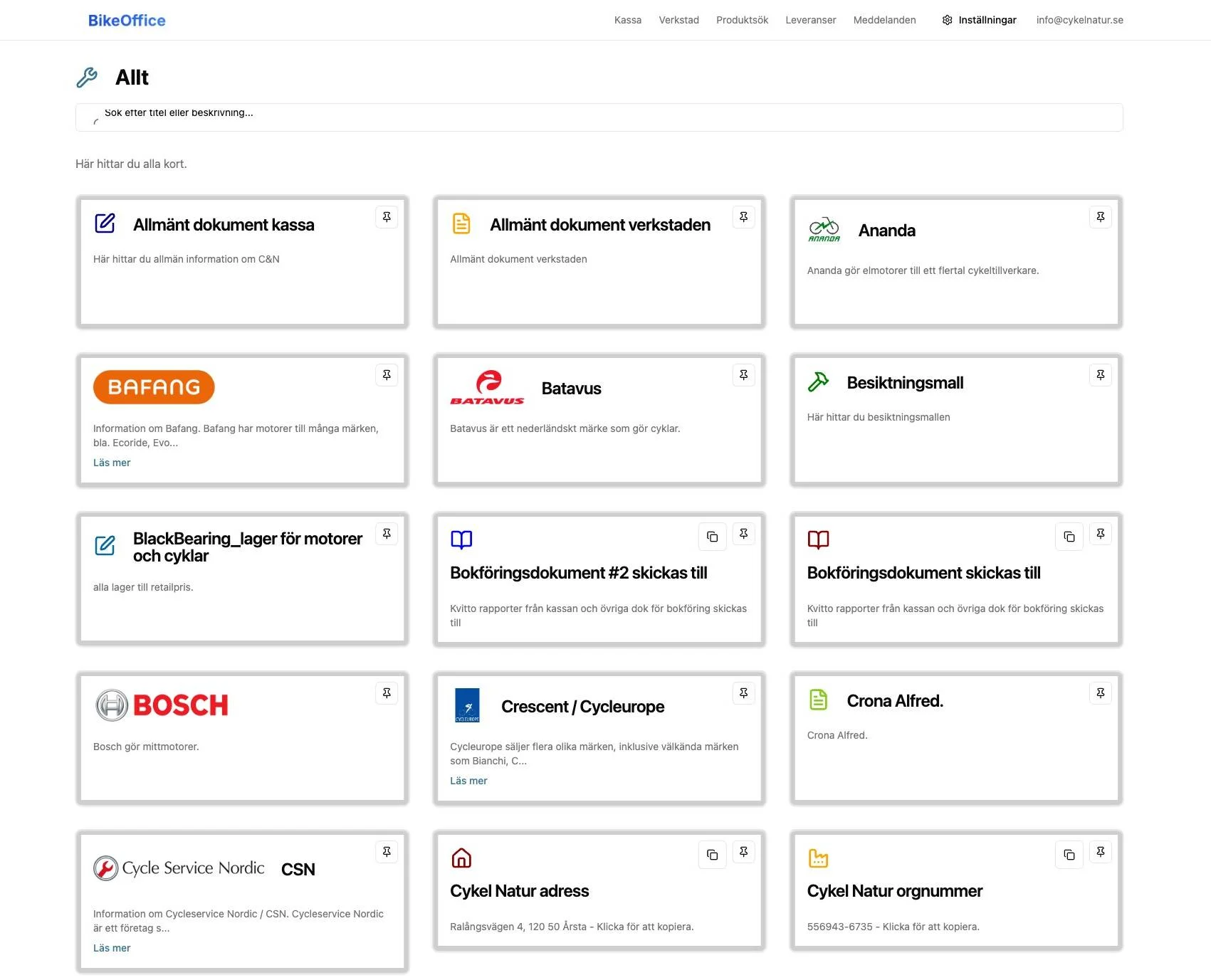
- Company shortcuts such as Suppliers (Leverantörer) and Warranty / Guarantee case (Reklamation / Garantiärende).
- Copy cards for details you paste often: server IP, org number, shop address, the email receipts are sent to, and phone numbers.
How to use it
- Select the BikeOffice icon in the top menu.
- Browse the cards.
- To reuse a value, select the copy icon on a copy card — the text is copied to your clipboard, ready to paste.
- To open a document or link, select the card.
- Use the search box at the top to jump straight to a card by name.
Related
- Counter and Workshop Pages — where your cards show up in daily use.
- Cards — create and organise the cards that appear here.
- Suppliers and Warranty and Returns — two of the most-used shortcuts on these pages.