Price List (Prislista)
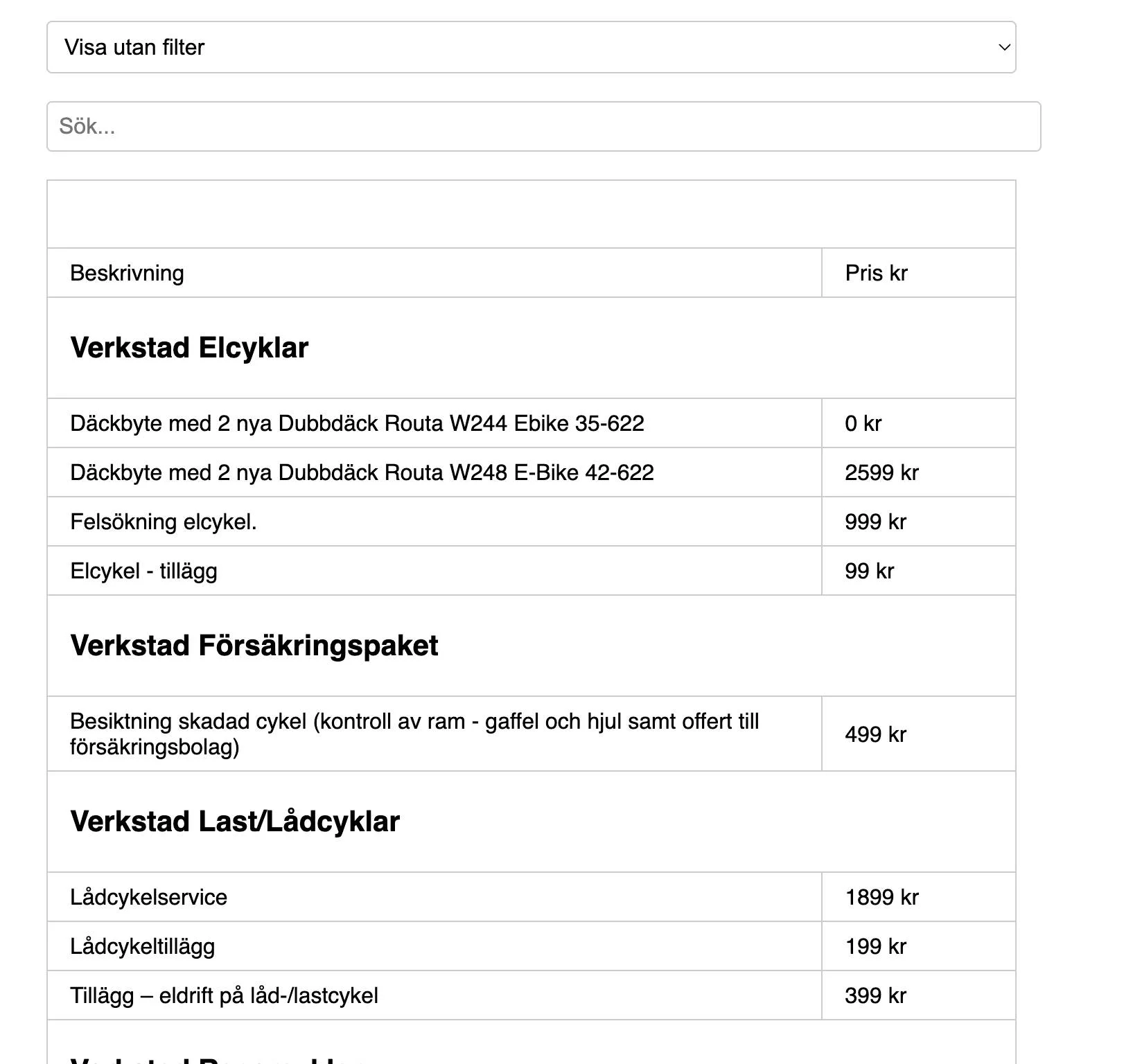
The Price List (Prislista) page shows your shop's price list right inside BikeOffice, so staff quote the same prices for parts and workshop services every time.
What it does
The Price List page displays your connected price list in a single, full-screen view. Because it lives inside BikeOffice, anyone at the counter or in the workshop can open it without a separate login or a printed sheet.
Why it matters
Inconsistent pricing costs money and confuses customers. A shared, always-current price list means every team member quotes the same figure for the same job — whether it's a spare part or a standard service.
How to use it
- Select Prislista (Price List) in your BikeOffice menu.
- The price list loads in the page. Give it a moment the first time — it can take a few seconds to appear.
- Read or search the price list as normal.
- Select the Help (Hjälp) button in the top-right corner at any time for guidance.
Set up or connect your price list
Your price list is linked to your shop's account. To connect or change it:
- Open Settings → Price list settings (Prislista inställningar).
- Follow the instructions there to connect your price list to your account.
If the page appears blank, see Troubleshooting — usually it just needs a moment to load, or the price list still needs to be connected in Settings.
Related
- Getting Started — first-time setup.
- Troubleshooting — what to do if the price list doesn't appear.